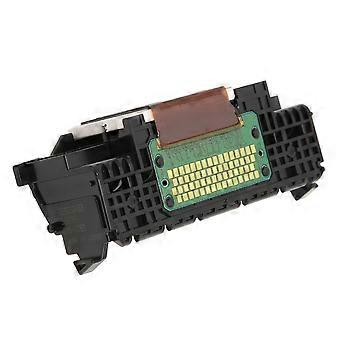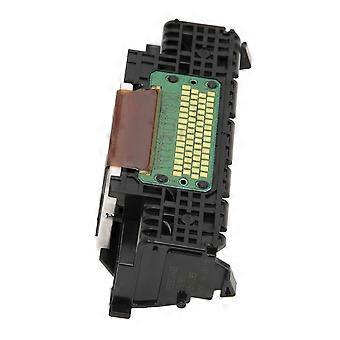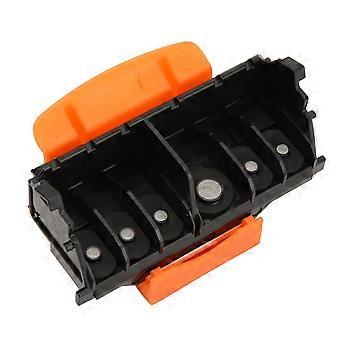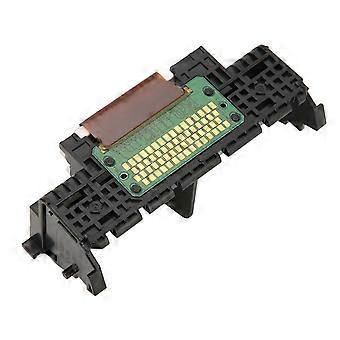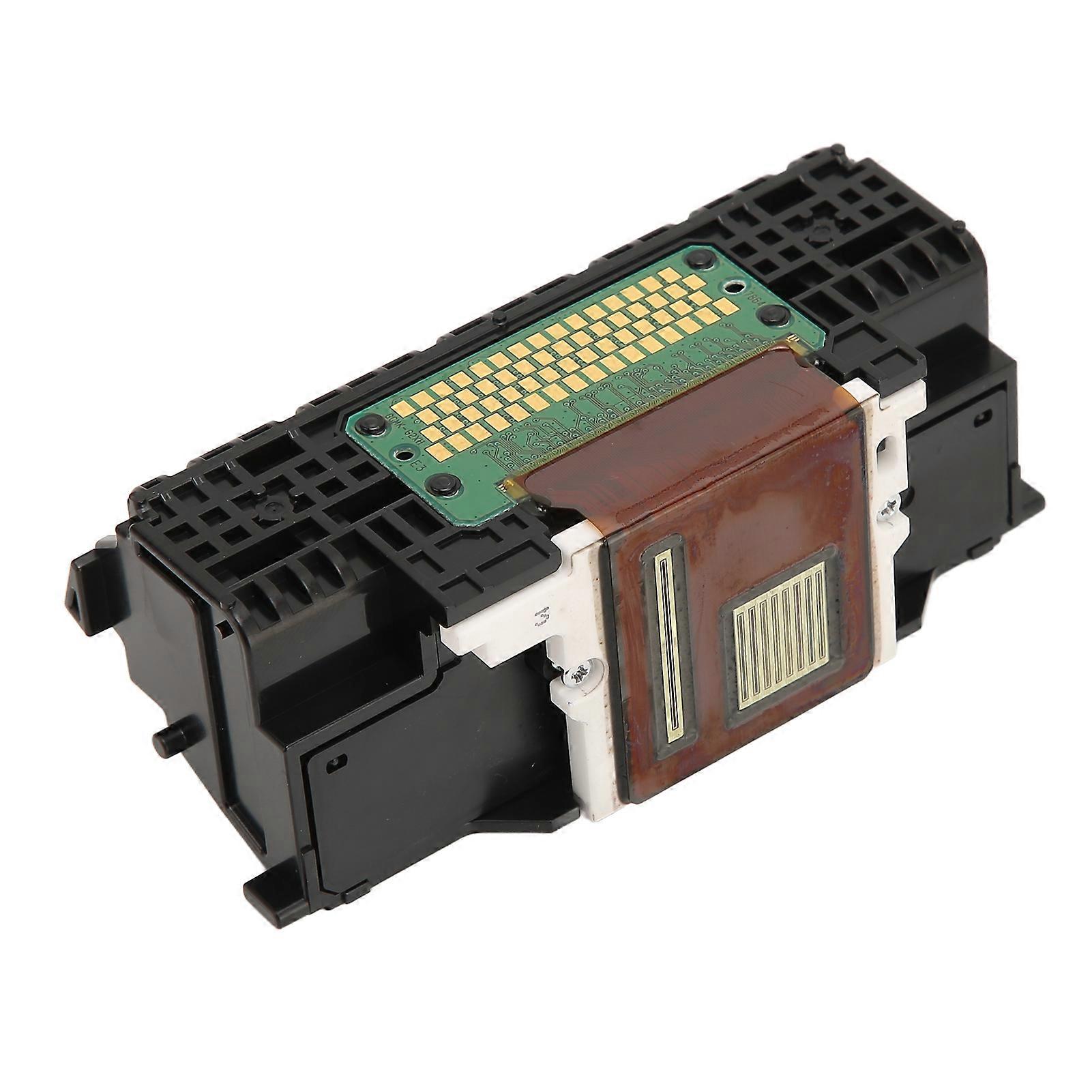
Printhead Replacement for IP8780 MG7580 MG7780 MG6380 MG7180 Lightweight ABS Printer Head

٨٫٩٥٠ د.ب.‏
+ ٤٫٤٩٠ د.ب.‏ الشحن

Printhead Replacement for IP8780 MG7580 MG7780 MG6380 MG7180 Lightweight ABS Printer Head

  • العلامة التجارية: Unbranded

Printhead Replacement for IP8780 MG7580 MG7780 MG6380 MG7180 Lightweight ABS Printer Head

  • العلامة التجارية: Unbranded
سعر البيع القطاعي المقترح: ٢٣٫٩٥٠ د.ب.‏
السعر: ٨٫٩٥٠ د.ب.‏
أنت توفر: ١٥٫٠٠٠ د.ب.‏ (62%)
البائع:
٨٫٩٥٠ د.ب.‏
+ ٤٫٤٩٠ د.ب.‏ الشحن

في المخزون

سياسة الإرجاع لمدة 14 يوما

طرق الدفع:

الوصف

Printhead Replacement for IP8780 MG7580 MG7780 MG6380 MG7180 Lightweight ABS Printer Head

Item Type: Printhead_x000D_ Material: ABS_x000D_ Weight: Approx. 73g/2.6oz_x000D_ Applicable: For IP8780 for MG7580 MG7780 MG6380 MG7180 1Applicable Model: The printhead is applicable for IP8780 for MG7580 MG7780 MG6380 MG7180, which has strong compatibility and can fit the printer well. 2ABS Material: The printer head is made of premium ABS material, which has the characteristic of anti rust and will not fade, so the head can be used for a long time. 3Easy to Replace: You can use this printer head to directly replace the original old or damaged part to improve the overall performance of the printer. 4Guaranteed Performance: The print head is 100 percent functional tested after production and before delivery, with stable performance and high reliability. 5Lightweight: The printhead replacement is light in weight, which is easy to store and carry, and can be always prepared in the office in case of emergency use.1. The printhead may have some protective liquid to give protection to accessories, which is normal._x000D_ 2. Solution to Incompatibility: Reset the printer please follow the steps below to reset the printing device. Turn on the printer (if not already turned on). Continue the operation after the printer is completely stationary. After starting the printer, disconnect the power cord on the back of the printer. Unplug the power cord plug from the wall socket. Wait at least 60 seconds. Plug the power cord plug back into the wall socket._x000D_ 3. It is recommended to plug the printer power cord directly into the wall socket. Reconnect the power cord to the back of the printer. Turn on the printer (if it has not been turned on automatically). The printer may need to warm up for some time. The printer indicator may flash and the pen holder may move. Wait for the printer to warm up and stop completely before performing the operation. If the above method cannot solve the compatibility problem, you need to replace the original ink cartridge and ink.1 x_x000D_ _x000D_ Printhead
  • هوية Fruugo: 313594499-699778050
  • EAN: 3586285267903

معلومات سلامة المنتج

يرجى الاطلاع على معلومات سلامة المنتج الخاصة بهذا المنتج الموضحة أدناه

يتم توفير المعلومات التالية من قبل بائع التجزئة المستقل التابع لجهة خارجية الذي يبيع هذا المنتج.

ملصقات سلامة المنتج

CE Mark

التسليم والرد

يُرسل خلال 24 ساعة

  • STANDARD: ٤٫٤٩٠ د.ب.‏ - التسليم بين الأربعاء 21 يناير 2026 – الأربعاء 28 يناير 2026

يُشحن من الصين.

نحن نبذل قصارى جهدنا لضمان أن تصلك المنتجات التي تطلبها بالكامل وطبقاً المواصفات التي حددتها. إلا أنه في حال تلقيك طلب غير كامل أو أغراض تختلف عن تلك التي طلبتها أو كان هناك سبب آخر يدعوك لعدم الرضاء عن الطلب، فيمكنك رد الطلب أو أي منتجات يتضمنها الطلب واسترداد ما دفعته من أجل تلك الأغراض بالكامل. عرض سياسة الرد الكاملة